
How to Use Seoul Buses as a Foreign Visitor with Naver Map and T-Money
A practical, map-aware guide to how to use seoul buses as a foreign visitor with naver map and t-money.
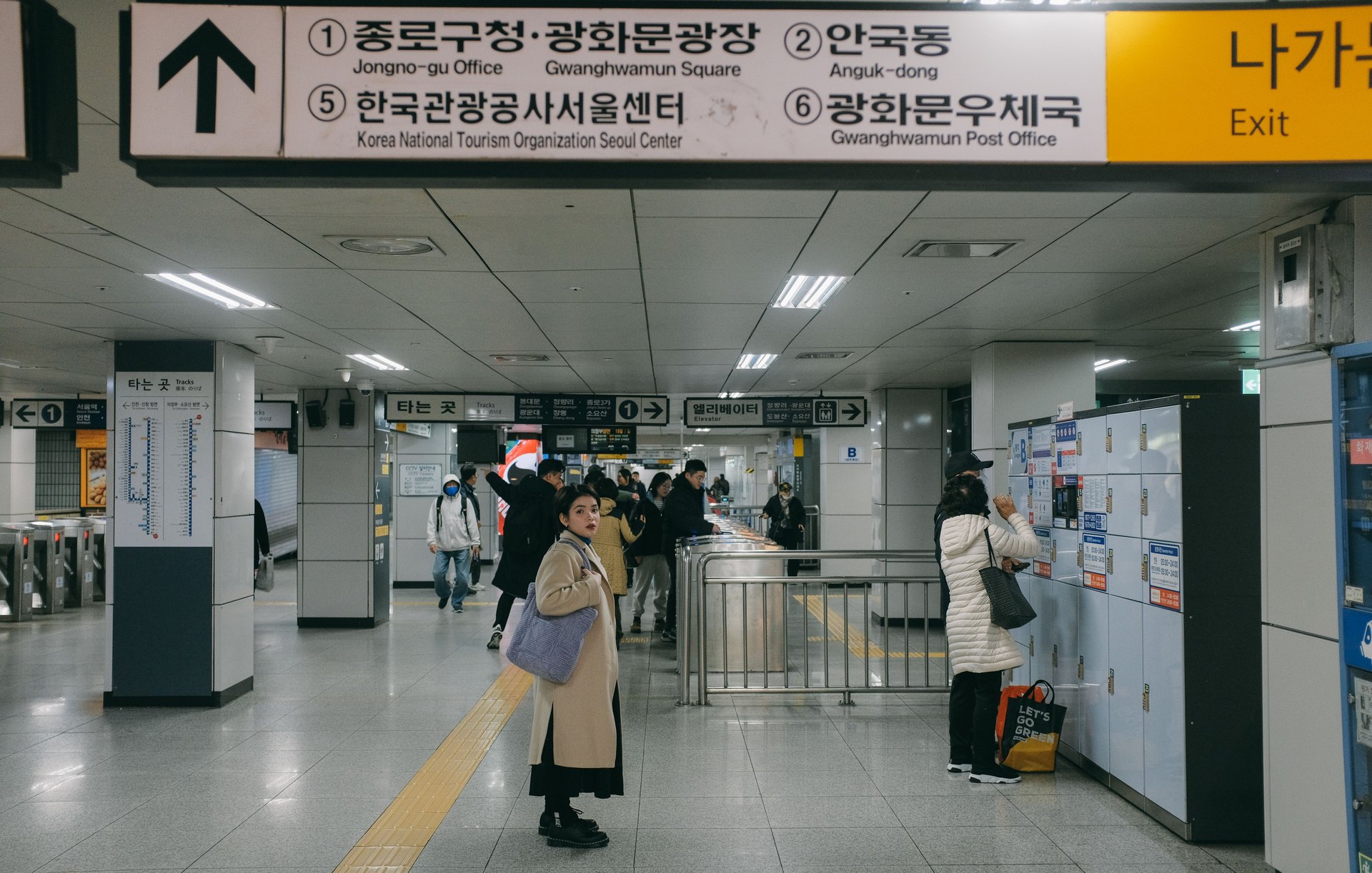
Quick answer Use Naver Map to identify the exact bus route, stop name/number, and walking legs; prepare a T‑money or compatible transit card before you board; tap where the app or signage shows (and in some cases also when you leave); press the stop button or alert the driver to get off; and have a simple spreadsheet and a backup plan (next bus, short walk, or subway/taxi). Verify any time-sensitive details—card rules, route changes, or airport transfer options—on official sites before travel [1] [2] [3].
Plan the route in Naver Map first Open Naver Map and enter your origin and destination, then switch to the bus tab to see routes. Note the full stop names (not just the neighborhood), the bus number(s), and the direction (the same route number can run in opposite directions). Capture these three things in your plan: stop name, stop ID (if shown), and the alight-stop name. Save screenshots or export links for offline reference. If you prefer a structured planner, use the Seoul kakao/naver planner here: /planner/naver-kakao-map-planner. Always cross-check the leg that starts or ends at the airport against airport bus or transfer pages for the latest options [2].
Before you board: cards and small checks Carry a reloadable transit card (T‑money or the Seoul Climate Card equivalent) or confirm the mobile payment option that works with Seoul buses. These cards are the common method for contactless fares and other transport products—see the official card program for current card types and rules [1]. Check your card balance before you board and carry a small cash backup if you are unsure. For airport arrivals, consult airport transfer guidance to know which bus line serves your terminal and whether luggage space or boarding location affects where you wait [2]. For general getting-around rules and signage that changes with seasons or events, consult the Visit Seoul guidance before you travel [3].
Boarding, tapping, and requesting your stop (practical workflow) Treat the process as a short checklist you run through for every bus ride: - Confirm the bus number and direction at the stop sign and compare it to your saved Naver Map screenshot. - Board through the front door unless signage or the driver indicates otherwise. - Tap your transit card when prompted by signage or the fare box; some services also require an exit tap—confirm per route in the app. - Watch the Naver Map route and the stop names announced or displayed; many buses show the next stop on-board. - Press the stop button or pull the cord a stop before your destination to alert the driver that you want to alight.
Because tapping and door procedures can vary by bus type and route, treat these details as time-sensitive and confirm them in the app or on official sources before you travel [3].
Bus types at a glance | Bus type | When to choose it | Boarding/tapping notes | |---|---:|---| | Local city bus | Short to medium inner-city trips | Check for front-door boarding; tap card per onboard signage | | Express / intercity bus | Longer or cross-district trips | May have luggage space and fewer stops; verify boarding point | | Airport limousine / airport buses | Direct airport ↔ city links | Different pickup points at terminals—confirm at airport info [2] |
This table is a high-level checklist, not a timetable. Verify route type and boarding location before you depart.
Spreadsheet workflow: fields, buffers, and choices Create a simple planning sheet (Google Sheets or Excel) with one row per trip leg. Key columns: - Date - From (exact stop name as in Naver Map) - To (exact stop name) - Bus number(s) / alternative options - Depart target time (local time) - Walking time to stop (minutes) - Expected ride time (minutes; rough estimate) - Buffer minutes (see below) - Card balance (before boarding) - Transfer count and transfer stops - Notes (e.g., luggage, wheelchair access, night route) - Contingency (next bus time or subway line)
Buffer rules to use: add 10–20 minutes for transfers during busy times, 15–30 minutes for airport-to-city legs depending on luggage and immigration, and extra time for late-night rides when frequency is lower. These are planning buffers—you should verify running times and frequency in Naver Map or official sources shortly before departure.
Choices to make in the sheet: preferred route vs. fastest route (comfort vs. fewer transfers), walking tolerances (how far are you willing to walk between stops), and whether to use subway as a fallback. Link the relevant subway-pass info when you choose subway fallback: see Seoul subway pass choices for guidance on multi-day options and when a pass might save time or money (/blog/seoul-subway-pass-choices).
If things go wrong: quick contingency plan If you miss the bus or a stop: - First choice: catch the next bus on the same line (note frequency in Naver Map) or the next route that stops nearby. - Second: walk a short distance to a nearer subway station if it’s within your walking tolerance and connects efficiently; check /blog/seoul-subway-pass-choices for pass options if you’ll ride the subway multiple times. - Last resort: take a taxi for the last mile or when safety/time is critical.
Have screenshots of your planned route and the destination address in Korean (copy the Korean text from Naver Map) so you can show a driver or ask for help. Always verify availability and operational changes on official sites before relying on a particular vehicle or stop.
SeoulSheets connection Use SeoulSheets (your planning spreadsheet) as a live, shareable single source of truth for trips. Fill in the columns listed above and color-code rows: green = confirmed route, yellow = tentative (backup needed), red = requires official confirmation (airport or late-night). Export the sheet as a PDF or screenshot to your phone for offline use. If you’re traveling with others, share edit access so anyone can update card balances, delays, or swaps in real time.
Final take With a short Naver Map check, a loaded transit card, and one tidy spreadsheet row per bus leg, you can turn bus anxiety into a repeatable, low-effort workflow. Always treat boarding/tapping specifics and airport pickup points as time-sensitive and confirm them at official sources before you travel. When in doubt, use your contingency ladder: next bus → short walk → subway → taxi.
Add it to your working plan
Record the operational choice and its buffer in the Naver and Kakao map planner before you treat it as fixed. Pair that row with the Seoul subway pass choices so your route and contingency notes stay together.
Official checks: