
How to book restaurants in Seoul as a foreigner
Compare Catchtable Global, Naver Map, direct contact, hotel concierge help, and walk-in backups without relying on a Korean phone number.
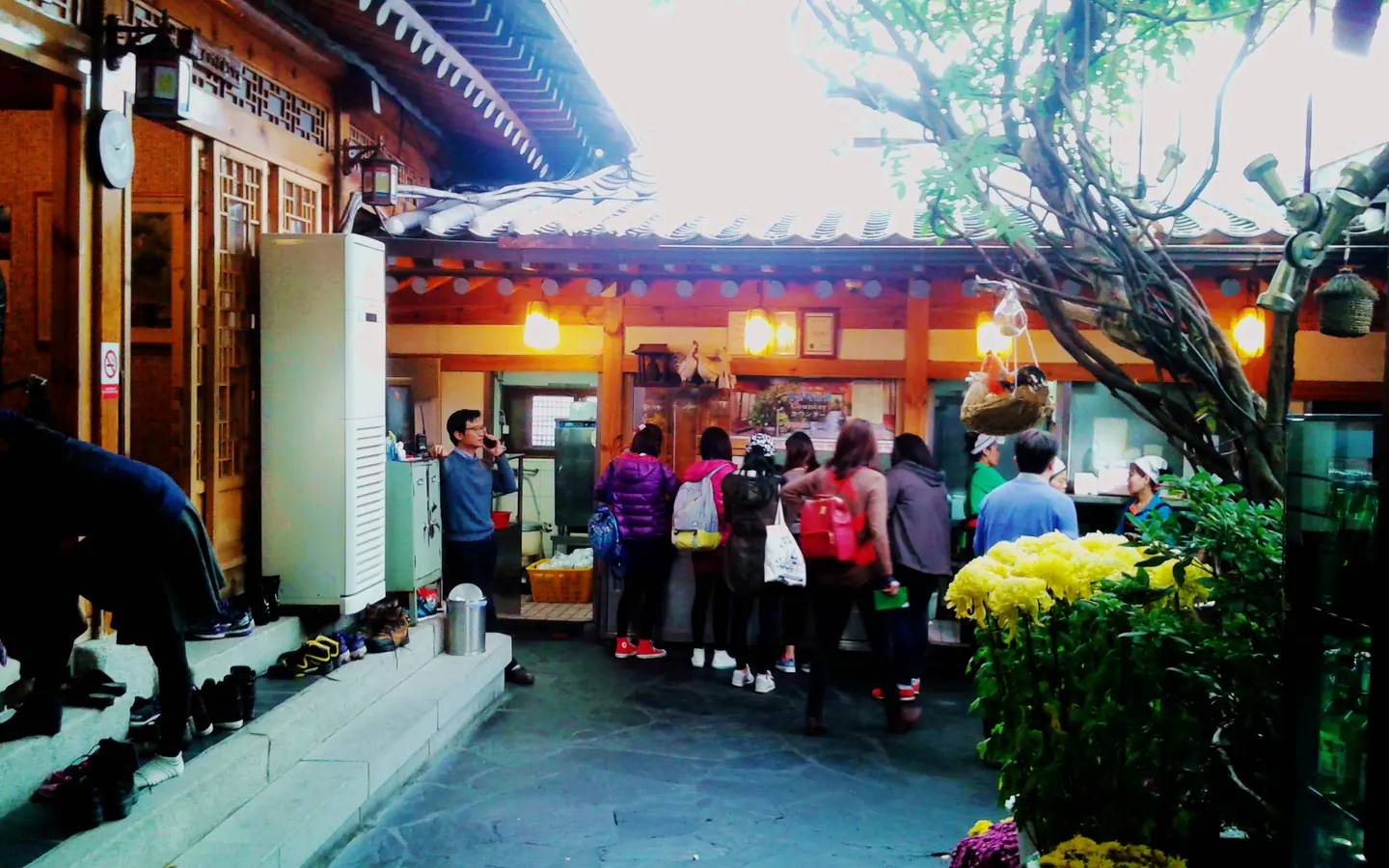
Quick answer
Start with Catchtable Global when the restaurant is listed there. Its official tourism guide says international travelers can create an account through Google or Apple without a Korean phone number and pay reservation deposits with foreign-issued cards [1]. Use Naver Map to verify the branch, address, hours, menu clues, and recent reviews; use hotel concierge or direct contact only when the restaurant publishes that channel; and keep a walk-in backup in the same neighborhood.
Why restaurant booking feels harder than discovery
Finding a Seoul restaurant is easy. Instagram, YouTube, map apps, hotel lists, and friends can produce hundreds of names in an hour. The harder part is turning a saved name into the correct branch, on the correct day, with a booking method that works for an overseas visitor.
Some Korean booking flows depend on local identity, phone, or payment verification. Other restaurants accept reservations through a global platform, operate only a waitlist, or take walk-ins at selected times. The safest strategy is to identify the venue’s operating model before you build the rest of the day around it.
Compare the five practical routes
| Method | Best use | Main limitation | Backup move |
|---|---|---|---|
| Catchtable Global | Reservations and supported remote waits | Not every restaurant participates | Search the exact branch, then check direct channels |
| Naver Map | Branch discovery, Korean name, hours, photos, recent reviews | A visible booking button may still require local verification | Use the listing to verify, not to assume bookability |
| Hotel concierge | Calling a venue or clarifying a booking policy | Service level and deposit help vary by hotel | Ask before arrival, especially for fixed-date meals |
| Direct contact | Restaurants that explicitly publish email, DM, or phone reservations | Response language and payment options vary | Send one concise request and set a response deadline |
| Walk-in / on-site queue | Casual restaurants and flexible meal windows | Waits can close or become long | Save two nearby alternatives before leaving the hotel |
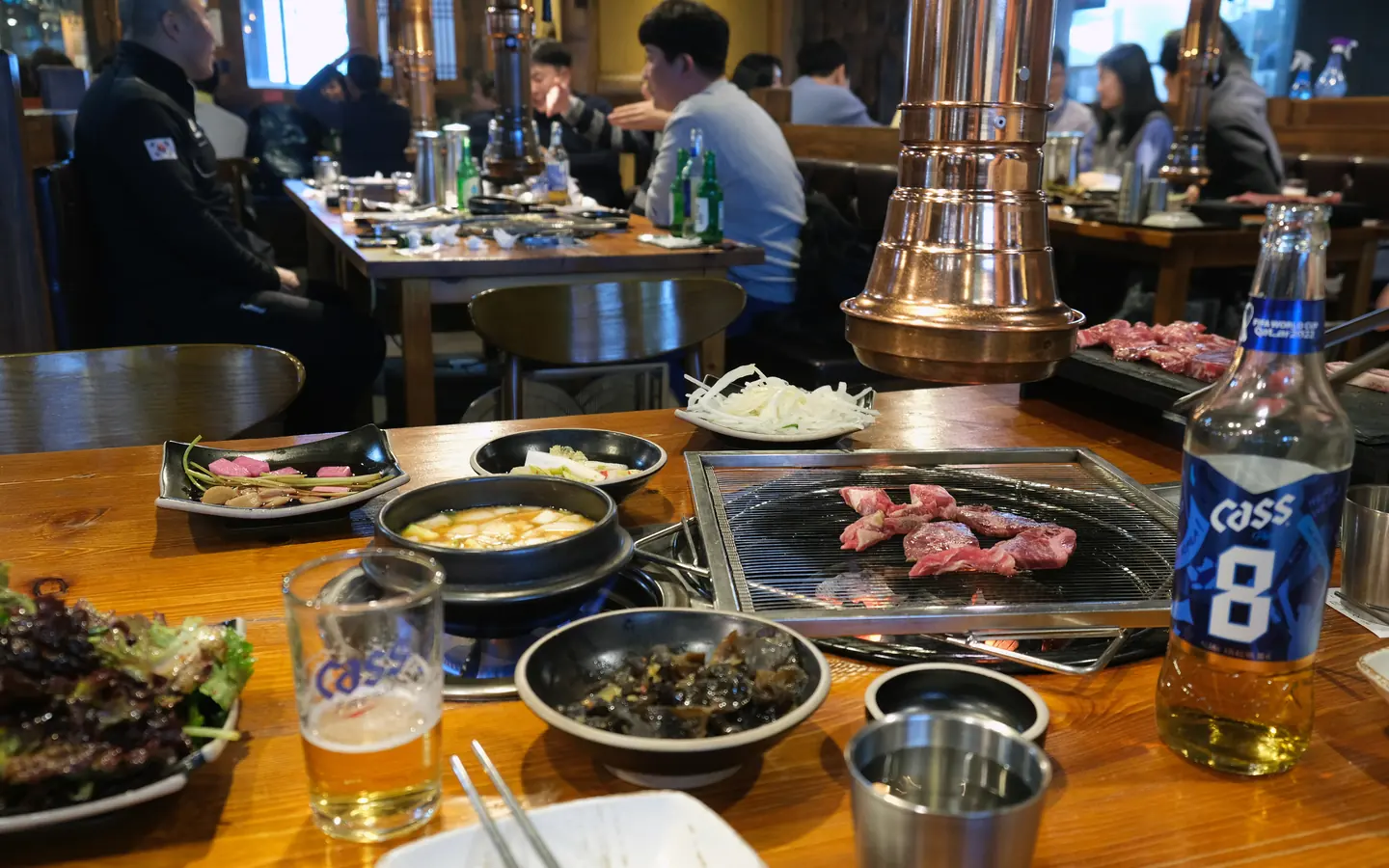
Catchtable Global: the strongest first check
VISITKOREA’s official guide describes Catchtable Global as a service designed for foreign users. It supports English, Japanese, Simplified Chinese, and Traditional Chinese; travelers can create an account through Google or Apple without a Korean phone number; and foreign-issued cards can be used for reservation deposits [1].
The platform distinguishes between Reserve, Join Remote Waitlist, and venues that only explain an on-site wait. Reservation deposits and cancellation rules belong to the individual booking, so read the confirmation rather than assuming every restaurant follows the same policy.
For a high-priority meal, search by both the English and Korean restaurant name. Confirm the neighborhood and branch before paying a deposit. Seoul chains and popular brands can have several locations with different menus, queues, or booking availability.
Naver Map: use it as the verification layer
Naver Map is useful for checking the exact Korean name, branch location, recent photos, listed hours, and surrounding alternatives. Its official help documentation confirms that overseas visitors with unverified Naver IDs can access selected K-Must-Do reservations [2]. That does not establish that every restaurant listing can be booked without local verification.
Treat a booking button as an option to test, not a promise. If the flow requests a verification method or payment instrument you cannot provide, return to the listing and look for Catchtable, the restaurant’s official website, Instagram profile, or published contact details.
The Naver Map and Kakao Map planning guide explains why Korean place names and branch checking matter. Save the Korean-language name even when you book elsewhere; it helps a driver, concierge, or staff member locate the correct venue.
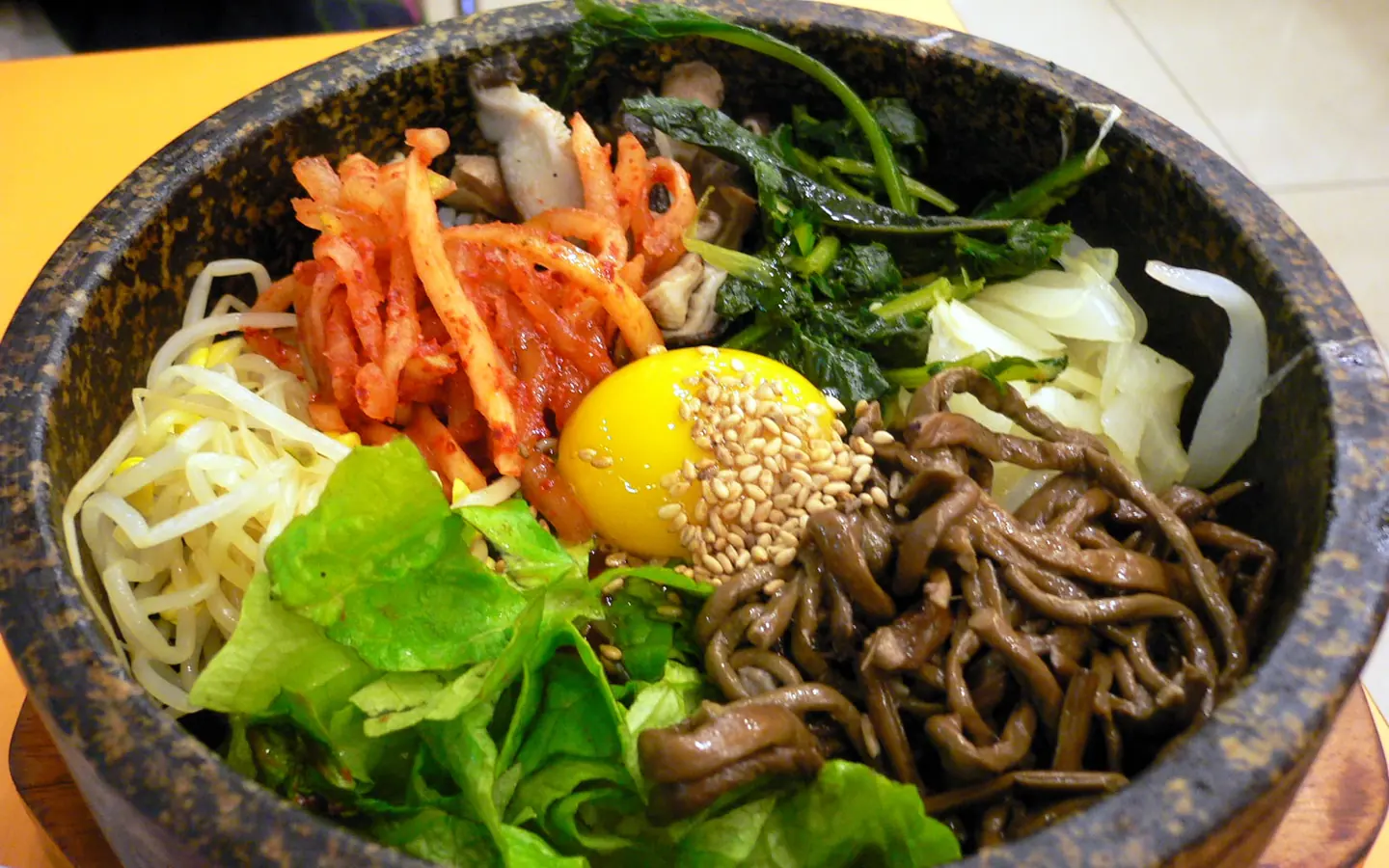
Decide whether you need a reservation at all
A reservation is worth the effort when the meal is one of the trip’s anchors: a tasting menu, a birthday dinner, a small chef-led counter, a restaurant with a non-refundable deposit, or a venue that openly states reservation-only service.
For casual barbecue, noodles, soup, markets, and neighborhood restaurants, flexibility can be more valuable. Instead of forcing one viral venue into the schedule, save three options within a short walk. The solo-dining guide is useful when table format matters as much as cuisine.
Remote waitlist versus on-site queue
Catchtable Global may show a remote-wait option for participating restaurants [1]. The app displays the current queue and lets users monitor their position. This can reduce time standing outside, but it is not the same as a fixed reservation. Join only when you can reach the restaurant within the venue’s required arrival window.
On-site systems vary. A restaurant may use an entrance tablet, a handwritten list, a ticket machine, or staff-managed waiting. If a kiosk rejects an international number, ask staff whether manual registration is possible. Do not assume it will be; move to your saved backup if the process is unclear or the queue is already capped.
Deposits, cancellation rules, and concierges
Some reservation-only restaurants use deposits to reduce no-shows. Catchtable Global’s official guide says foreign-issued cards can pay supported deposits [1]. Read the cancellation deadline carefully, especially when booking several weeks ahead or planning around a flight day.
A hotel concierge can be useful when a restaurant publishes phone-only reservations or when you need to clarify a deposit method. Concierge availability, languages, and willingness to handle payment vary. Ask the hotel whether it offers this help before treating it as your only route.
For direct contact, send the restaurant name and branch, requested date and time, party size, dietary constraints, and one alternative time. Avoid sending repeated messages across several channels; that can create duplicate bookings.

A booking workflow that survives changes
Seven to fourteen days before the meal, verify the exact branch and booking channel. Make the reservation or note the waitlist process, then save the address and Korean name. Forty-eight hours before the meal, check the confirmation and cancellation terms. On the day, review the live map listing and leave enough time for the final walk from the station.
For every high-priority restaurant, save two nearby alternatives in different formats: one fast casual option and one sit-down option. That protects the evening if the queue closes, the booking is wrong, or the restaurant changes hours.
SeoulSheets connection
SeoulSheets includes more than 600 food and cafe entries inside a populated `.xlsx`, with category, district, hours, price range, English-menu notes, signature dishes, and direct Google/Naver map links. Use those fields to build a primary-plus-backup cluster rather than a single fragile reservation.
Filter by district first, then choose one anchor meal and two alternatives near the day’s route. Pair the spreadsheet with the five-day Seoul food and sightseeing itinerary so dining supports the day instead of forcing another cross-city transfer.
References
[1] Korea Tourism Organization: Catchtable Global—Your Gateway to a Delightful Korean Culinary Journey
[2] Naver Customer Center: Guide for K-Must-Do in the Map App Reservation Tab
Image credits: Cover image by Pauloleong2002, CC BY-SA 4.0. Korean barbecue by Kallerna, CC BY-SA 4.0. Bibimbap by abex, CC BY-SA 2.0. Kimbap by jqn, CC BY-SA 2.0. Images were cropped for layout.


